Disclosure: This post contains affiliate links for Suno and OpenArt. If you sign up through them, Studio Hacks may earn a commission at no extra cost to you. We only recommend tools we actually use in our faceless YouTube and Reels workflow.
If you make songs in Suno and want them on YouTube, the question is not “can the upload button accept an MP3?” It is “which plan were you on when you created that track, and did you download it the right way?” Suno’s terms draw a hard line between free-tier personal use and paid commercial use. Getting that wrong can put a monetized channel, a Content ID claim, or a Terms-of-Service dispute on your desk.
This guide walks through the Free vs Pro (and Premier) rules as they stand on 3 September 2026, what “upgrading later” does and does not fix, how YouTube’s own policies still apply, and a practical checklist before you publish. If you do not already have a Suno account, sign up for Suno here so new tracks start under the plan you actually need.
Can you use Suno music on YouTube?
Yes — with conditions. Suno’s Terms of Service allow commercial exploitation of Output only when you qualify under the paid tiers and follow the download rules. Free or Basic tier Output is limited to lawful, personal, non-commercial use. Uploading a free-tier track as the soundtrack of a monetized video, a brand deal, or any revenue-generating channel is outside that license.
On Pro or Premier, Suno assigns you its right, title, and interest in Output generated from your submissions (subject to the rest of the Terms). The September 2026 Terms (effective 3 September 2026) also require a permitted Download through Suno’s approved download channel before you commercially exploit that Output. Stream ripping, screen recording, or grabbing audio another way does not count. Monthly download allotments are listed on your Suno account page and can change, so check the live numbers before a big batch.
Suno also states that because of how machine learning works, it does not promise that copyright will vest in any Output. Contractual commercial rights from Suno are not the same thing as a U.S. copyright registration for a wholly AI-generated track. For most YouTube creators the practical question is still: am I allowed to use this file commercially under Suno’s contract, and does YouTube accept the upload?
Free vs Pro vs Premier (what each plan allows)
Pricing on Suno’s public pricing page at the time of writing: Free at $0; Pro from about $10/month (about $8/month when billed yearly); Premier from about $30/month (about $24/month when billed yearly). Always confirm live prices at suno.com/pricing before you buy — promotions and regional billing can differ.
- Free / Basic: Personal, non-commercial use only. Fine for learning Custom Mode, testing styles, and private drafts. Not fine as bed music under ads, Super Thanks, channel memberships, or paid client work.
- Pro: Built for creators who need commercial rights on new generations plus higher monthly credits. Use this when YouTube is part of how you earn.
- Premier: Same commercial-use lane as Pro for Output you generate while subscribed, with higher credit limits and Studio-oriented features. Pick it for volume, not because Free somehow “almost” covers monetization.
Remixes are a separate trap: under the September 2026 Terms, Remixes are limited to personal, non-commercial use regardless of your subscription tier. Do not treat a remix of someone else’s (or your own remixed) Output as cleared for a monetized upload.
The upgrade trap: later Pro does not rewrite old Free songs
This is the mistake that burns people. You generate a banger on Free, love it, then subscribe to Pro and assume the old file is now cleared. It is not. Rights attach to Output based on the plan in force when that Output was generated (and, under the new Terms, whether you obtained a permitted Download). Upgrading does not retroactively convert Free-tier Output into commercial Output.
What to do instead:
- Subscribe to Pro or Premier first if the track will go on a monetized channel.
- Regenerate (or create a fresh song) while the paid plan is active.
- Download through Suno’s official download path so it counts as a permitted Download.
- Keep a simple log: song title, generation date, plan, download date. Future-you will thank you.
The September 2026 Terms also say that assignment and permitted commercial use for a Download you already obtained are perpetual — they are not wiped because you later cancel or change plans. That protects paid Downloads you already made; it does not rescue Free-era files.
YouTube still has its own rules
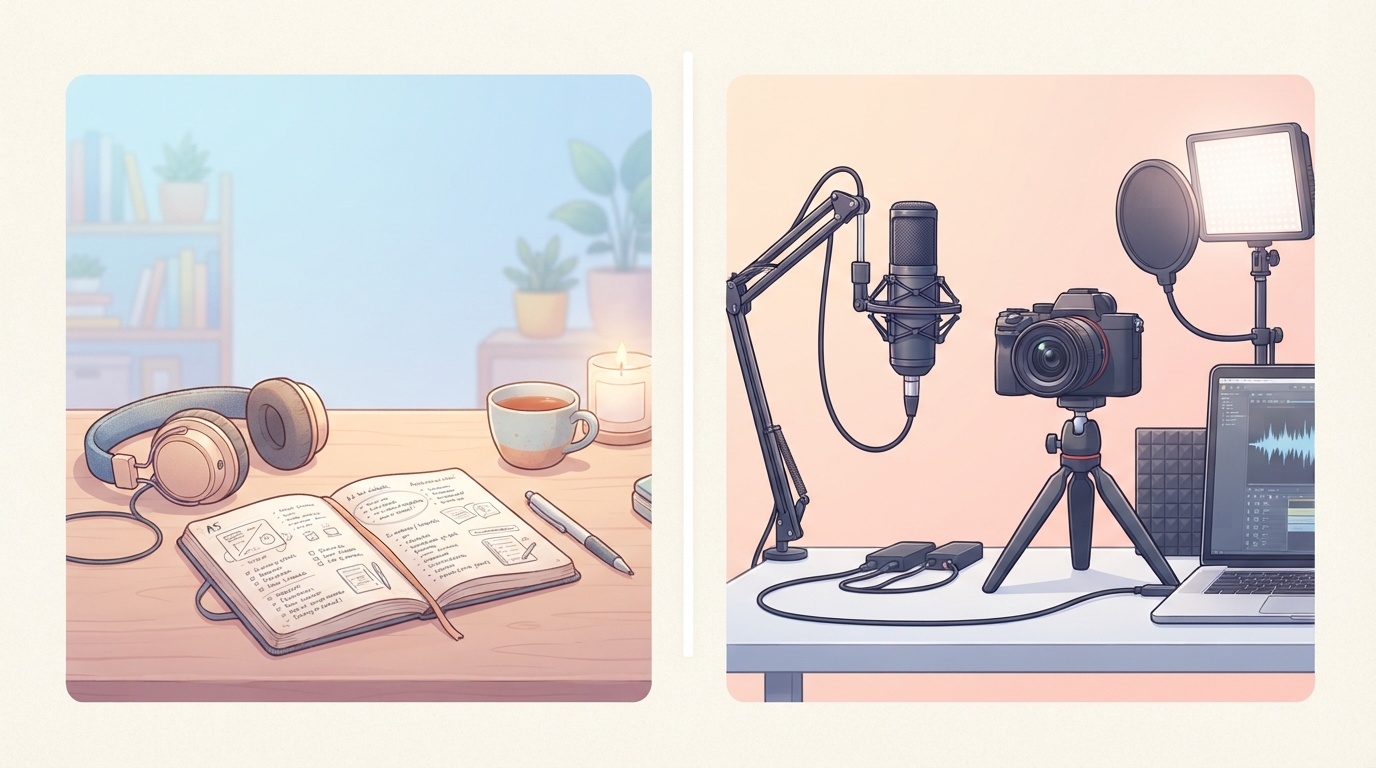
Suno’s license is necessary but not sufficient. YouTube decides what happens on YouTube: Content ID matches, copyright claims, Community Guidelines, and monetization eligibility. Suno’s Terms explicitly note that a third-party platform’s refusal does not revoke what Suno granted you — it only means that platform governs use on that platform.
Practical habits that reduce headaches:
- Avoid prompts that imitate a living artist’s name, voice, or distinctive catalogue. That is both a Suno conduct issue and a claim magnet.
- Prefer original style + lyric prompts. Our Suno Custom Mode guide covers structure tags without cloning a famous voice.
- If Content ID hits a track, do not panic-repost the Free version. Fix the rights trail: regenerate on Pro, re-download, re-upload the video audio if needed.
- For faceless channels, keep music and visuals in the same rights-aware workflow. We use OpenArt for characters and music videos once the Suno file is commercially cleared — see how to make an AI music video in OpenArt from a Suno track.
Step-by-step: clear a Suno track for YouTube
- Decide commercial intent. Monetized video, ads, brand deal, or client deliverable? If yes, you need Pro or Premier before you generate.
- Create or open your Suno account. New here? Get Suno via our affiliate link, then upgrade if you plan to publish for revenue.
- Generate on the paid plan. Use Custom Mode for style, lyrics, and structure. Do not lean on Free “just this once” for a channel asset.
- Download officially. Use Suno’s download controls so the file is a permitted Download under the current Terms.
- Build the video. Edit in your usual stack, or generate a matching visual in OpenArt (18+, commercial use starts at Plus; Starter is experiment-only). OpenArt signup: OpenArt via our link.
- Upload to YouTube Studio. Add captions, a clear title, and your usual description CTA. Keep the affiliate or hop links you already use on Studio Hacks.
- Watch claims for 48 hours. If something fires, pull the generation log before you argue or re-upload.

What about Shorts, Reels, and TikTok?
The Suno commercial-use rules follow the Output, not the aspect ratio. A 9:16 Short still needs the same Free vs Pro discipline if the clip earns money or promotes a business. Platform music libraries are a different product; your own Suno file is still governed by Suno’s Terms plus that app’s upload rules.
For a full faceless loop (Suno track + OpenArt character video + ManyChat CTA), clear the audio first, then generate the visual. Mixing a Free-tier MP3 under a polished OpenArt Reel does not magically license the audio.
Quick FAQ
Can I use Suno music on YouTube for free if the video is not monetized?
Personal, non-commercial use is what Free allows. A hobby upload with no ads and no business purpose may fit that lane, but the moment the channel is commercial (ads, affiliates, clients, brand deals), treat Pro as required and regenerate on paid. When in doubt, pay and regenerate — it is cheaper than a claim fight.
Does Premier give better YouTube rights than Pro?
Commercial assignment for your generated Output is tied to being on Pro or Premier, not to picking Premier specifically. Premier mainly adds capacity and Studio features. Confirm live feature lists on Suno’s site.
I upgraded after making the song. Am I safe?
Not for that old Free generation. Regenerate and re-download on the paid plan.
Do I own a copyright I can register?
Suno does not warrant that copyright will vest in Output. Human-authored contributions (original lyrics you wrote, live overdubs, substantial editing) are a separate legal analysis. This article is practical workflow advice, not legal counsel.
Bottom line
You can use Suno music on YouTube commercially when you generate and properly download on Pro or Premier, stay inside Suno’s conduct rules, and accept that YouTube still runs its own claim systems. Free is for practice. Upgrading later does not rewrite history — regenerate the keeper tracks on paid, download officially, then ship the video.
Ready to create under the right plan? Start with Suno here. When the track is cleared and you want matching visuals, open OpenArt here and pair it with your Custom Mode workflow.



)