Disclosure: This post contains affiliate links for OpenArt and Suno. If you sign up through them, Studio Hacks may earn a commission at no extra cost to you. We only recommend tools we actually use in our faceless YouTube workflow.
This tutorial shows how to use OpenArt Director faceless YouTube style: chat your way through a coherent long-form video with a locked host character, then export a 16:9 MP4 you can upload without filming yourself. OpenArt is 18+. Commercial use starts on Plus; Starter is fine for experiments but not for monetised uploads.
If you do not already have an OpenArt account, create one here. For optional intro or bed music that is not the host voice, sign up for Suno if you do not already have an account (check Suno’s live plan terms before you monetise a track).
What OpenArt Director is (and is not)
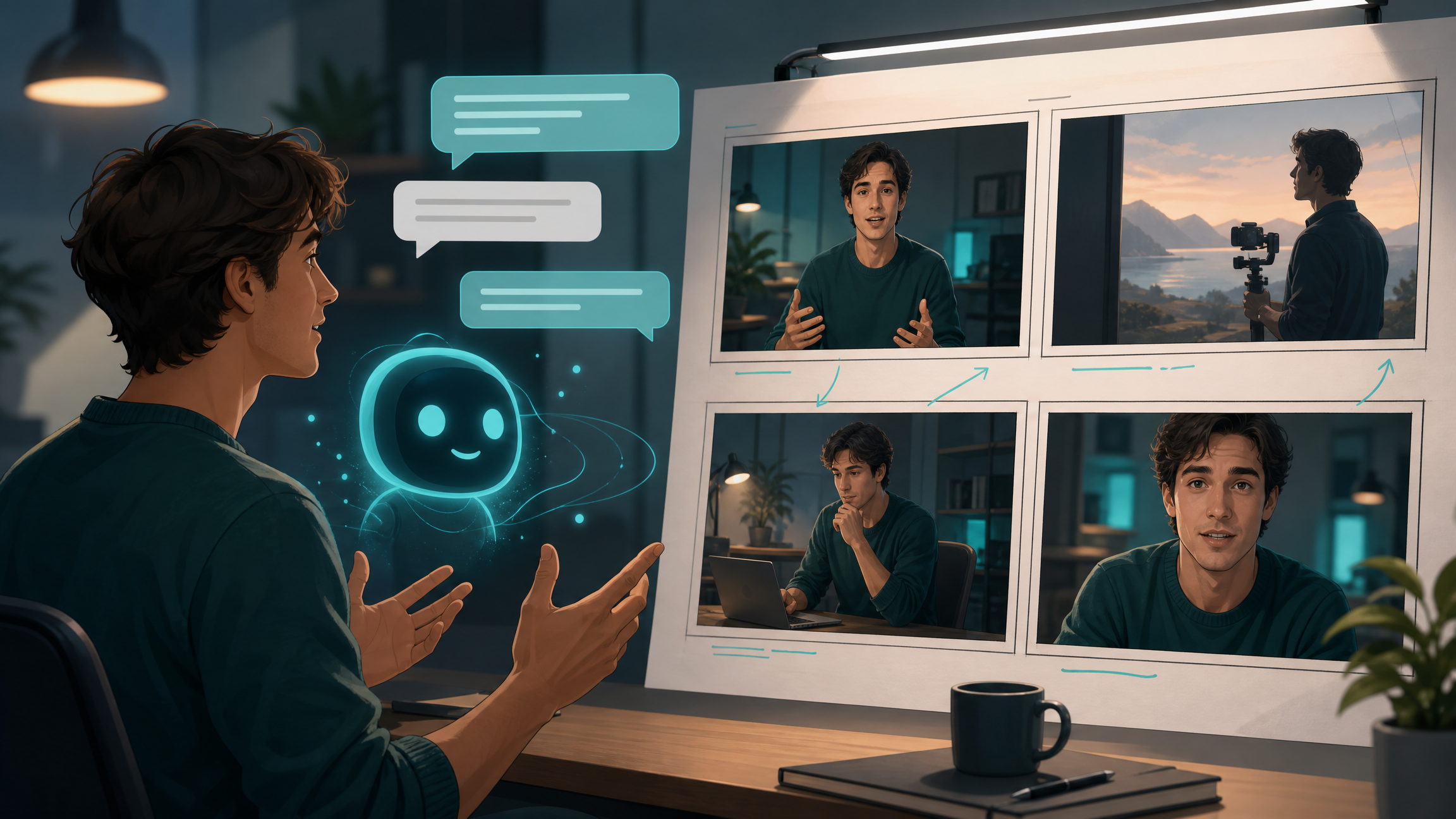
Director is OpenArt’s chat-first video workflow. Instead of stitching five-second clips by hand, you describe the video you want, refine characters and scenes in conversation (OpenArt calls this vibe directing), and generate a longer coherent piece—OpenArt markets lengths up to about five minutes depending on the project. The AI agent Ori acts as crew; you stay the creative director.
It is not CapCut, and it is not a camera. You will still download the MP4, add captions in YouTube Studio if you want them, and write a normal title and description. It also is not the same as OpenArt’s Music Video tool (great when you already have a Suno track and want beat-synced visuals). Use Director when the spoken host or multi-scene story is the product; use Music Video when the song is the product.
What you need before you open Director
- An OpenArt account on a paid plan that includes Director (Starter and above list Director on the live pricing page). For YouTube monetisation or client work, use Plus or higher so commercial rights apply.
- A ~800–1,000 word spoken script for a ~5-minute review or how-to (first person, short sentences, no on-screen URLs).
- One locked host look. Pick a stock OpenArt host (we use a consistent character we call NOVA) or build one in Character Builder first so the face does not drift scene to scene.
- Optional: a short Suno bed or sting if you want music under the talk track. Keep levels low so speech stays clear.
Live individual pricing (checked on OpenArt’s pricing page): Starter about $14/mo (4,000 credits), Plus about $34/mo (12,000 credits, commercial use), Pro about $56/mo (24,000 credits), Wonder about $240/mo (106,000 credits). Annual billing discounts those rates. Director burns credits differently from short single-clip video—OpenArt’s “up to ~X videos” estimates exclude Director—so plan headroom on Plus or Pro if you ship weekly.
Step 1: Open Director and set the format
In OpenArt, open Director (from the home create menu or the Director feature page). Choose 16:9 for classic YouTube long-form. Keep 9:16 for Reels and Shorts—that is a different publish path.
Tell Ori the job in one clear brief before you paste the full script. Example shape:
“Faceless YouTube review, ~5 minutes, 16:9. Single host character speaking to camera in a clean studio, then cutaways to product B-roll. First-person Studio Hacks voice. No on-screen URLs. Ask me before changing aspect ratio or publishing settings.”
That “ask me first” line matters. It stops Ori from quietly flipping formats or inventing YouTube upload steps you did not request.
Step 2: Lock the host character
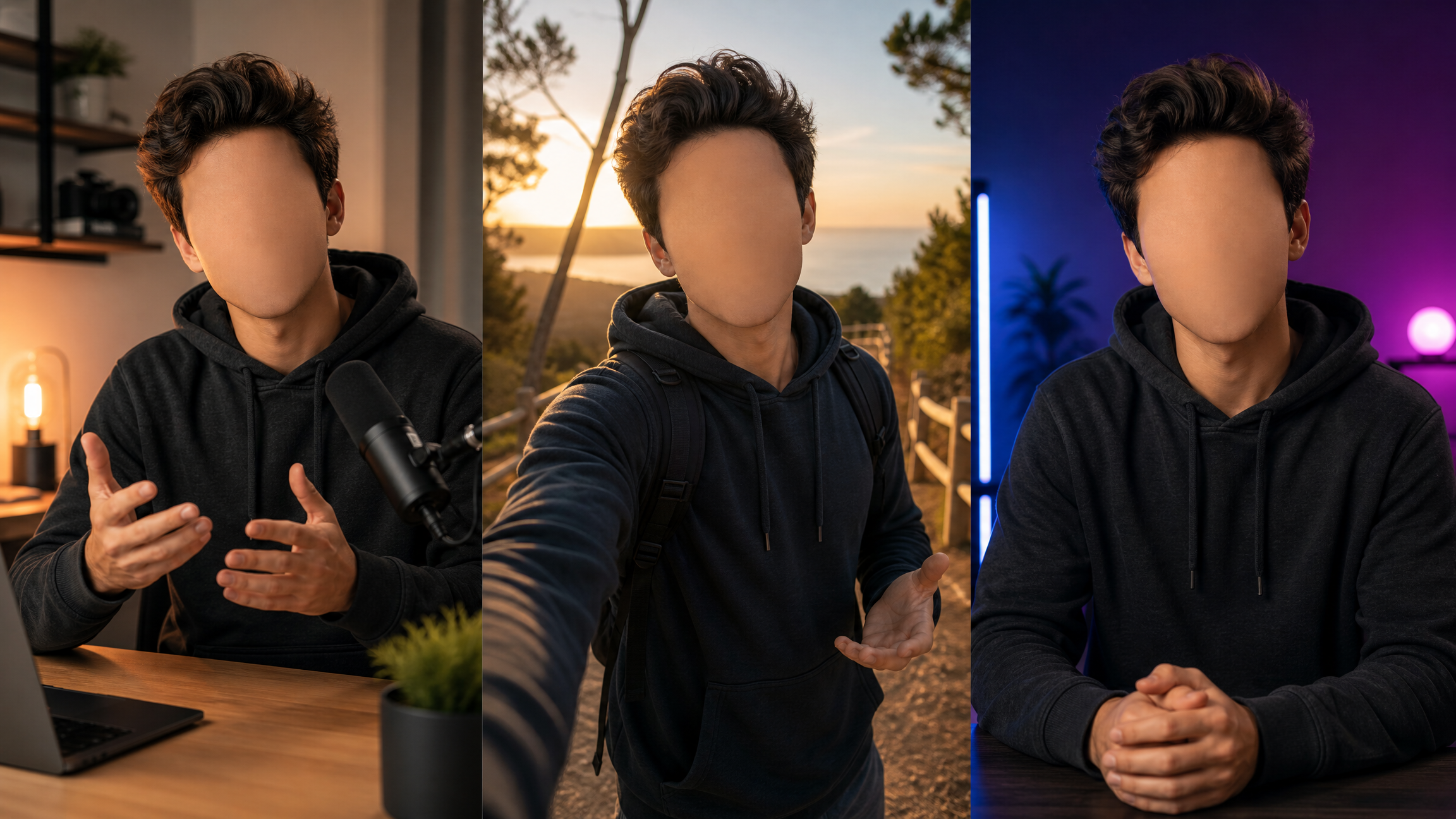
Consistency is the whole point of a faceless channel. Either:
- Select a host OpenArt already offers and name it in chat (“use NOVA as the only on-camera host”), or
- Upload / build a Character Builder face first, then reference that character in Director so every scene uses the same identity.
Say explicitly: same outfit, same age, same hair, no second host unless you introduce them. If a scene drifts, reply with a short note (“same face as scene 1, cooler desk light”) instead of regenerating the whole film from scratch.
Step 3: Paste the spoken script (not a prompt salad)
Paste the full spoken script in one message after the brief. Write it as talk, not as SEO. Good lines are short, concrete, and say what the viewer should do next. Put your FTC affiliate line in the spoken intro if the video promotes a tool—mirrors what you already do in WordPress paragraph one.
Ask Director to map the script to scenes: intro hook, problem, demo steps, pricing honesty, CTA. You can approve the scene list before it renders heavy shots. That saves credits when a structure note would have been enough.
Step 4: Direct like a human, not a prompt engineer
After the first pass, give notes the way you would to an editor:
- “Tighten the intro to 12 seconds.”
- “Host looks at camera, medium shot, soft key light.”
- “Replace scene 4 B-roll with a simple desk overhead of a laptop.”
- “No fake UI screenshots or invented product logos.”
Change one thing at a time when quality matters. Batching five conflicting notes in one message is how faces and rooms drift.
Step 5: Optional music with Suno
Director can generate or accept audio for the piece. If you want a custom bed, generate a short instrumental in Suno Custom Mode (no loud vocals under speech), download it, then ask Director to use that track quietly under the host. If you do not have Suno yet, sign up here. For music-first uploads instead of talk-to-camera, see our guide on making an AI music video in OpenArt from a Suno track.
Step 6: Export, then finish in YouTube Studio
When the cut feels right, download the MP4. In YouTube Studio:
- Upload as unlisted first if you want a skim pass.
- Turn on auto-captions and fix names/tool spellings.
- Use a clean thumbnail (your own still or an OpenArt still of the host—avoid fake UI).
- Put the OpenArt hop link in the description if the video is an OpenArt review or tutorial (we use a clean
/openart/hop on studiohacks.net for YouTube).
Credits, plans, and commercial rights (read this before you publish)
Re-check openart.ai/pricing before you commit to a cadence. As of this writing: commercial use rights are listed from Plus upward; Starter is watermark-free for practice but is the experiment tier. Director is listed on paid plans, yet credit burn is higher than a short clip—treat weekly long-form as a Plus or Pro habit. OpenArt is 18+.
If you sell the video, run ads against it, or put it on a monetised channel, stay on a plan that explicitly includes commercial rights and follow OpenArt’s terms for any reference images you uploaded.
Common mistakes that waste credits
- Starting without a written script (you burn generations discovering what you meant to say).
- Switching host looks mid-project.
- Asking for fake product UI or invented stats on screen.
- Rendering 9:16 when you needed 16:9 YouTube (or the reverse).
- Stacking five rewrite notes in one chat turn.
Quick checklist
- Plus+ if the video is commercial / monetised
- 16:9 locked
- One host character named and reused
- Full spoken script pasted after the brief
- Scene list approved before the heavy render
- Download MP4 → YouTube Studio captions → description CTA
Next step
Write a five-minute first-person script for one tool you already use, open OpenArt Director, lock a single host, and render one unlisted test. If you need a music bed and do not have Suno yet, create a Suno account here, then come back and ship the cut.

)