Disclosure: this OpenArt AI review includes affiliate links. If you buy through them, Studio Hacks may earn a commission at no extra cost to you. I am Nat from Studio Hacks, and this is a first-person review of a tool I actually use in the studio — not a ranking I was paid to write, and not a Midjourney comparison piece.
The short version: OpenArt is a browser studio that puts image models, video models, a Character Builder, Director, and Music Video in one login. You are not paying OpenAI, Kuaishou, Google, and a stills lab as four separate products. You are paying one seat and picking the model per job. OpenArt is 18+. If you are under 18, this is not the tool for you.
What OpenArt is in 2026
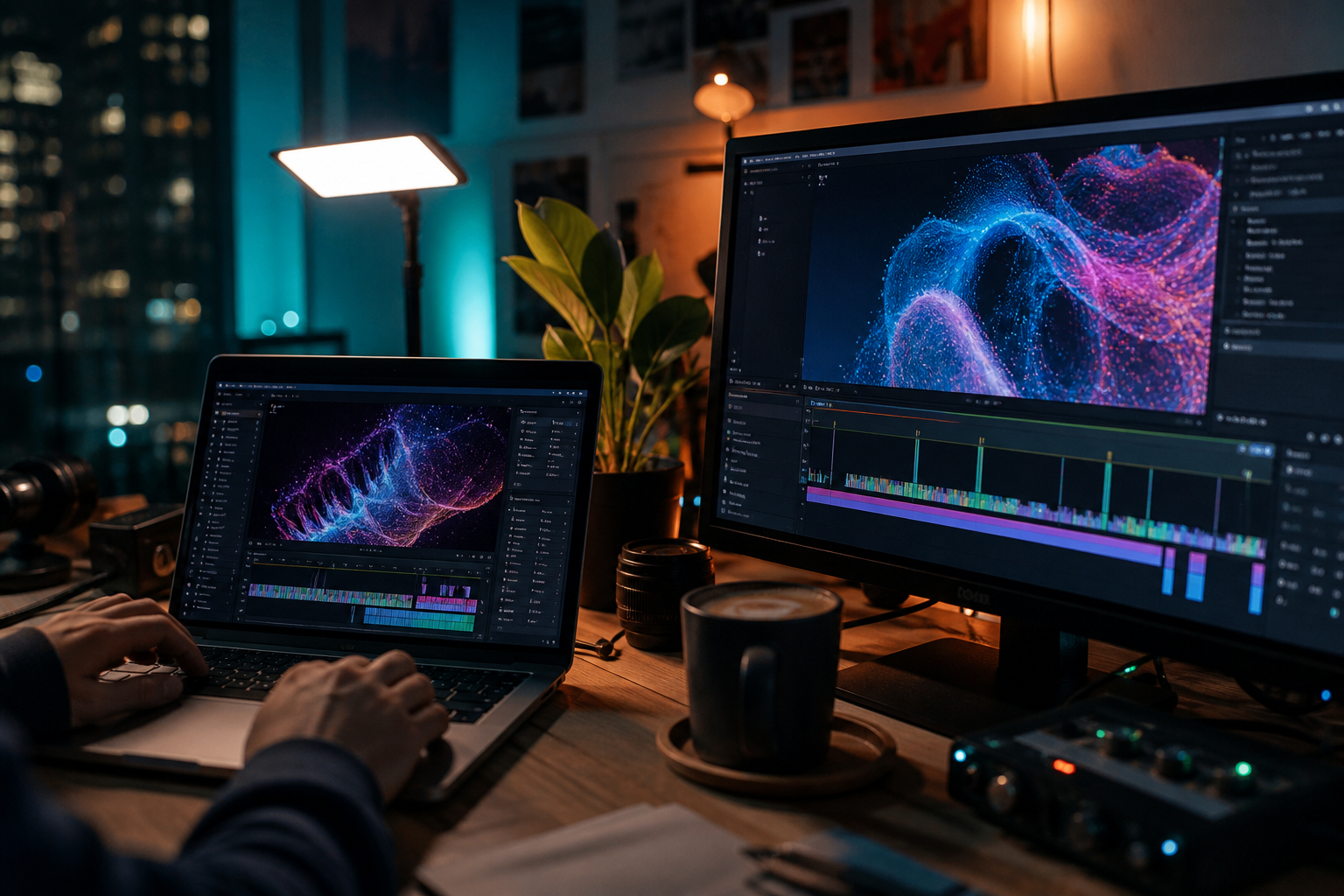
OpenArt used to read as “another AI image site.” In 2026 it reads as a creator desk. The homepage is built around Director (short films, ads, trailers, social cuts), a video generator, an image generator plus editor, Character Builder, a 3D World tool, and audio. That is the pitch I care about: generate the still, lock the face, move it, score it, and export without a folder of half-finished files bouncing between labs.
I still keep Leonardo AI and DeepAI in my notes when someone only needs stills. OpenArt is the tab I open when the deliverable is a recurring character on YouTube or Reels — not a one-off pretty picture.
The real offer: one studio instead of four labs
If you have run a faceless channel the hard way, you know the tax. One model for stills. Another for video. A third when you want a talking shot. A fourth when the first three refuse the same face. OpenArt’s bet is boring and useful: put the current models in one browser and let you switch.
On the live site as of 31 August 2026, the video side lists options such as Veo, Seedance, Kling, and Sora 2. The image side lists GPT Image, Nano Banana Pro, and Seedream among others. Those names will move — labs ship and rename constantly — so I treat the list as “you can pick a current model without leaving the tab,” not as a forever roster. If you specifically want Sora 2 and you have been stuck on invite rumours, I already wrote that up here: Sora 2 invite codes (and why you often do not need one). OpenArt is one of the places that actually surfaces Sora 2 inside a normal creator workflow.
That is the honest trade. You give up some of the “this one lab is obsessed with this one look” feeling. You gain a pipeline. For weekly Reels, that trade usually wins.
Character Builder: the feature that makes a channel possible
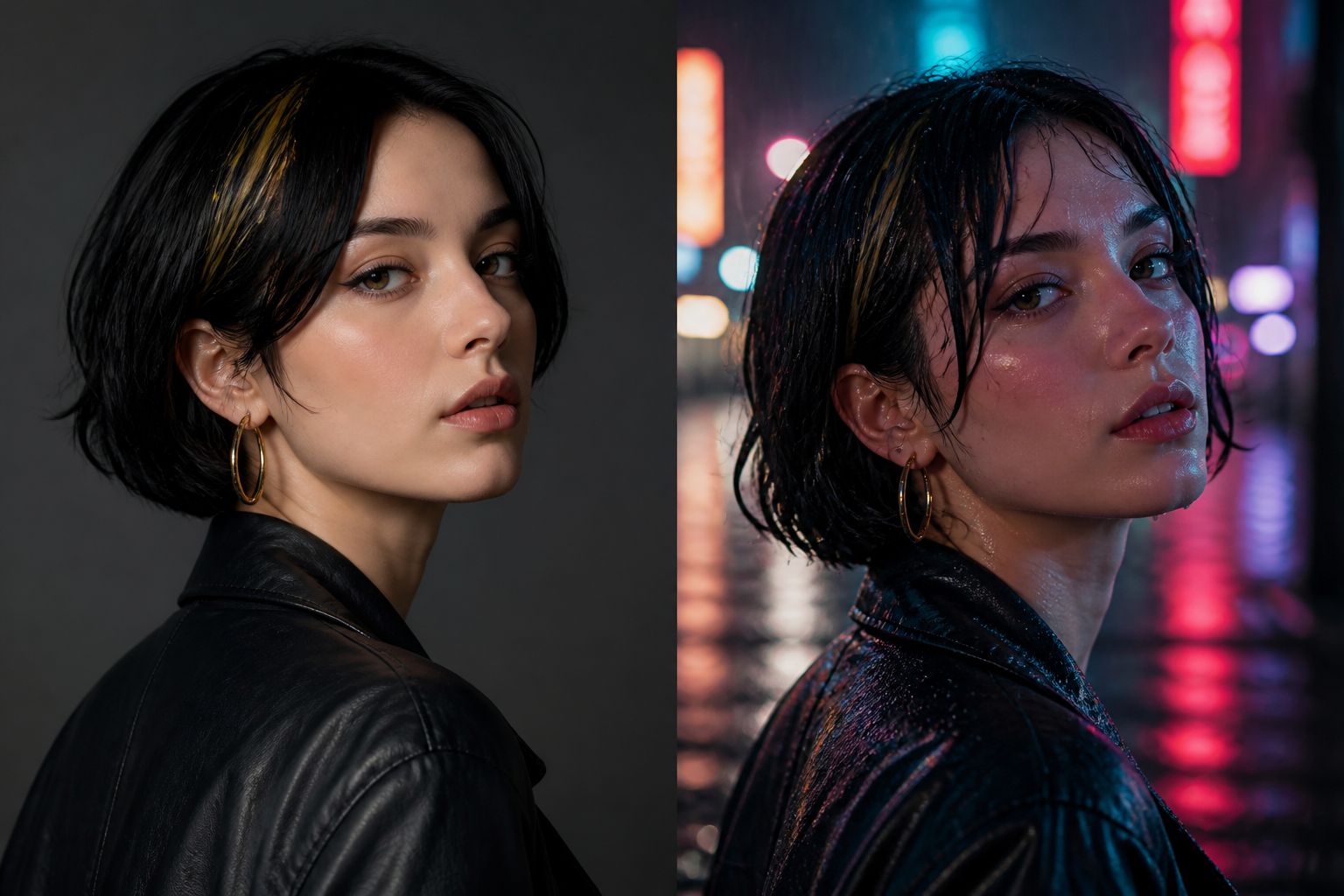
Character consistency is still the thing that kills most AI channels. You get a great face on Monday and a cousin on Wednesday. OpenArt’s Character Builder is the part I send people to first. You build a character from reference images or a text brief, save it to your library, then tag it in later generations so the same person can walk through new outfits, rooms, and clips.
I use it the unglamorous way. One host. Two outfits. A handful of reusable locations. Then I stop chasing novelty faces. If a mascot has to look like itself across a month of Shorts, this is the product — not the homepage hero shot.
It is not magic. Profile-to-three-quarter still drifts. Hands still go weird. Lighting changes will fight you. The win is that you are correcting one saved character, not rebuilding a stranger every session. That is the difference between a hobby and a series.
Director: multi-scene cuts without a second app
Director is OpenArt’s “talk the cut together” layer. You lay out a storyboard, chat the shots, and let the system help you sequence a short — ads, trailers, explainers, social content, even a micro-drama if that is your format. I do not treat it as a replacement for a real edit in CapCut or Premiere. I treat it as the place I get a watchable first assembly without leaving the browser.
Two practical notes from the live pricing page. First, Director access shows up across the paid individual plans I checked. Second, the “up to X videos” estimates on that page explicitly exclude Director. If you are budgeting a month of work around Director, do not use those video counts as your plan. Credits still get spent; Director is just not in that estimate.
If you only need a single 5–15 second clip from a prompt or a still, the regular video generator is enough. Director starts to matter when the unit of work is a sequence: hook, product, reaction, end card. That is most YouTube and Reels work.
Music Video: sync a track, then cut
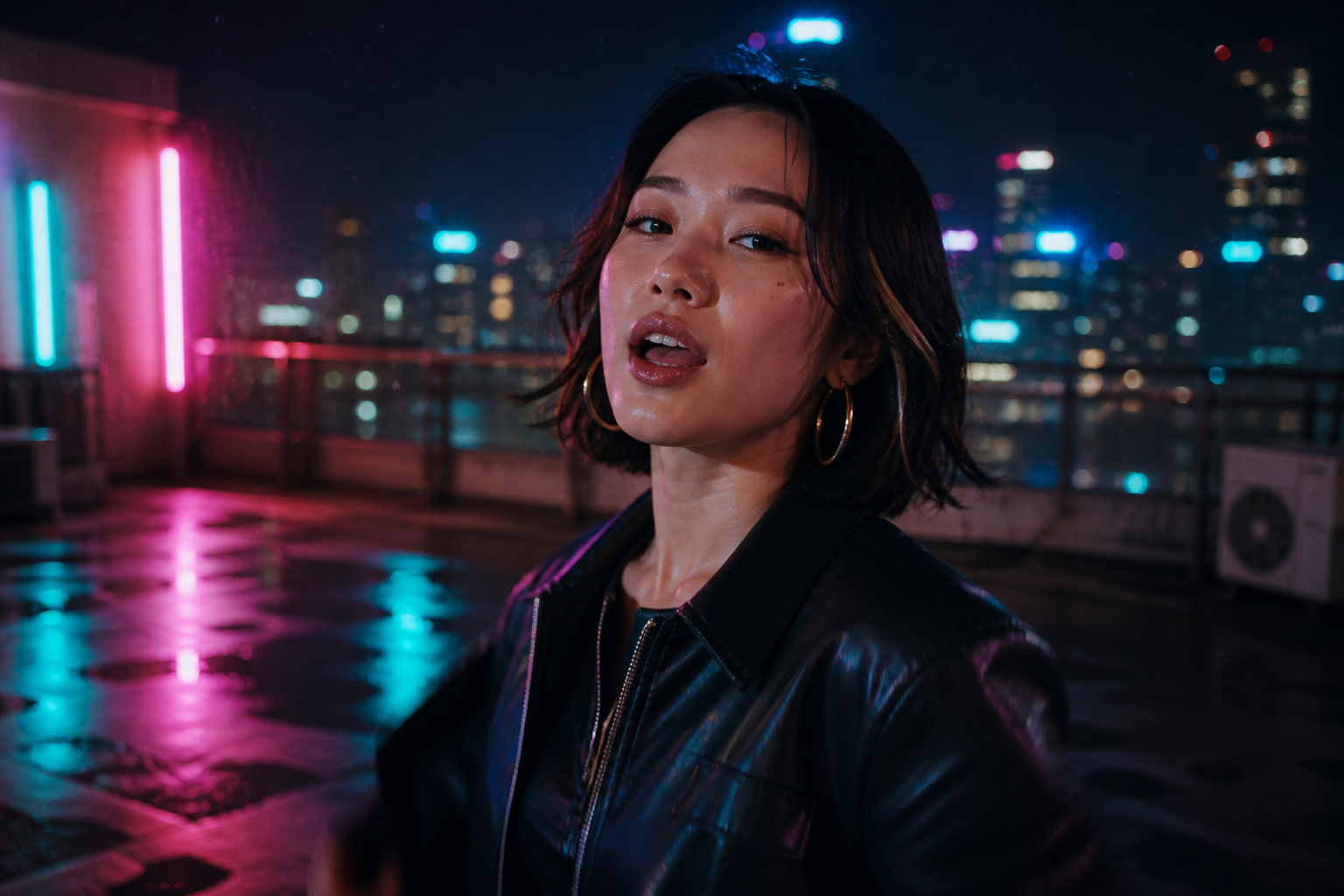
Music Video is the loop a lot of Shorts people actually want. Drop a track, let OpenArt sync picture to it, and you have a clip that at least knows where the beats are. I use this when the audio is the spine and the picture has to follow — not when I need a scored documentary.
If I already have a song from Suno, I generate it there and bring the file across. If you do not have a Suno account yet, create one here: sign up for Suno. Then OpenArt Music Video does the picture pass. I am not stacking extra audio apps unless the track has to live outside the video.
Pricing and the licence that actually matters
I pulled these numbers from the live individual plans on openart.ai/pricing on 31 August 2026. Prices are USD per seat. Annual rates are the discounted monthly equivalent they show on that page. If the page has moved by the time you read this, trust the page, not my screenshot memory.
- Starter — $14 a month, or $13 on annual. 4,000 credits. Watermark-free. No commercial use.
- Plus — $34 a month, or $27 on annual. 12,000 credits. Commercial use starts here. Extra credits unlock here.
- Pro — $56 a month, or $44 on annual. 24,000 credits. Labelled Most Popular. Commercial use.
- Wonder — $240 a month, or $175 on annual. 106,000 credits. Labelled Best Value. Commercial use.
- Extra Credit add-on — $15 for 5,000 credits a month. The pricing page says subscribe to Plus to unlock it. I am not doing credit-per-dollar maths on top of that.
The licence is the part people miss because Starter is watermark-free and looks “finished.” OpenArt’s Terms of Service, last updated 30 July 2026, say in §4.1 that you may use generated output for non-commercial purposes at all subscription levels, and that commercial use starts at the Plus level and above. I am quoting the terms, not the marketing FAQ. If you are putting output on a monetised YouTube channel, in client ads, on a product page, or anywhere you get paid, Starter is the wrong plan. Upgrade, then generate the assets you will actually ship. Do not assume a Starter file becomes commercial because you later paid for Plus.
Starter is for learning the UI, testing Character Builder, and seeing whether Director fits how you work. Plus is the first plan I would put a real channel on. Pro is the “I am posting every week and I hate waiting” seat. Wonder is a volume seat — I will not tell you it is cheaper per credit, because I am not inventing that spreadsheet.
Who this is actually for
I recommend OpenArt to a specific person: a YouTube or Reels creator who needs the same face, a pile of short videos, and a browser they can open on a laptop without installing a local stack. Faceless explainers. Product spots. Recurring mascots. Music-led Shorts. If that is you, one studio is cheaper in attention than four logins, even before you look at the invoice.
I would not start here if you only want the single most striking still you can get this afternoon. Midjourney still often wins that “wow” still. OpenArt wins the pipeline — browser, many models, character plus video plus music video. I published the side-by-side as OpenArt vs Midjourney 2026; this review is the OpenArt half of that conversation, not the fight.
I also would not buy Starter for client work and hope the terms are fuzzy. They are not. Plus or skip.
How I actually use it in a week
My boring week looks like this. I open Character Builder and confirm the host still looks like the host. I generate a small set of stills for the locations I already use. I run the ones that need motion through the video generator — Sora 2 when I want physics and synced audio, something else when I want a different motion style. If the piece is a sequence, I move it into Director and talk the shots. If the piece is a track-led Short, I use Music Video. Then I export and do the last 10% in a real editor: captions, end screen, the ugly YouTube stuff.
That last 10% matters. OpenArt is a studio, not a publisher. It will not write your title, pick your thumbnail crop, or save you from a weak hook. It will stop you from paying four labs to almost-finish the same clip.
What I would not claim
I am not quoting homepage creator counts I cannot verify, and I am not inventing credit costs. Sometimes the native lab is sharper than the same model inside OpenArt. I still pay for the desk — not a promise that every generation is the best on earth.
Old third-party writeups still mention plan names like Essential, Advanced, or Infinite. Those are stale. The live individual names are Starter, Plus, Pro, and Wonder. If a 2024 blog is still ranking for “OpenArt AI review,” ignore its price table.
Bottom line
If you want one browser studio for images, video, and characters — and you will actually publish — start on Plus, lock a character, and run a week of real posts before you even look at Wonder. If you only want to poke the UI, Starter is fine and it is honest about being an experiment plan. If you want the single prettiest still in the room, you already know where else to look.
When you are ready to try the desk I described, use this link: OpenArt AI. Then come back and tell me what broke. That is the review I trust more than a homepage.