Disclosure: This post contains affiliate links for Suno and OpenArt. If you sign up through them, Studio Hacks may earn a commission at no extra cost to you.
You already have a melody. Maybe it is a phone demo, a guitar take, or a hummed chorus that only you understand. The question is how to hear that same idea in a new arrangement without rewriting the whole song from scratch. That is exactly what a Suno cover is for: you upload audio you have rights to use, describe a new style, and let Suno re-perform the track while keeping the core melody and lyric shape intact.
This walkthrough is for creators who want a practical “upload → style prompt → pick a take → export” loop in 2026 — not another “what is Suno” explainer. If you do not already have a Suno account, sign up for Suno here before you start so your library and downloads live in one place.
What a Suno cover actually does
A cover in Suno is not a magic license. It is a generation mode that takes your uploaded audio as a reference and rebuilds the performance in a style you describe. Melody and lyric intent stay closer to the source than a brand-new prompt-only song. Arrangement, genre, vocal character, and production can change a lot.
Use covers when you want to:
- Test three genre directions for the same demo before you commit to a final production
- Turn a dry vocal sketch into a fuller band or electronic arrangement
- Build instrumental-first versions for ads, Reels, or YouTube B-roll
- Explore “what if this chorus was indie folk / trap / cinematic?” without re-recording
Do not use covers to launder someone else’s hit. Suno’s own guidance and copyright filters expect material you own or are allowed to upload. If you would not put the source file in a commercial release under your name, do not feed it into Cover.
Before you upload: rights, length, and a clean source
Spend two minutes on the source file. It saves ten bad generations later.
- Confirm rights. Your demo, your unreleased song, or audio you are explicitly allowed to transform. Skip famous commercial tracks.
- Trim silence. Cut long dead air at the start and end so the model hears music sooner.
- Export a common format. WAV or high-quality MP3 is fine; other common formats such as M4A, OGG, or FLAC are typically supported for upload workflows.
- Watch plan limits. Free plans usually allow shorter uploads than paid plans. If your demo is long, trim to the section you actually want re-performed (verse + chorus is enough for a first test).
- Know the commercial line. As of the live Suno pricing page in September 2026, Free is for trying the product; Pro and Premier include commercial rights for songs you download while subscribed. Download caps also differ by tier (Free trial downloads are personal-use only; paid plans have monthly download allowances, with Studio workflows treated differently on Premier). Always re-check suno.com/pricing and Suno’s Terms before you monetize.
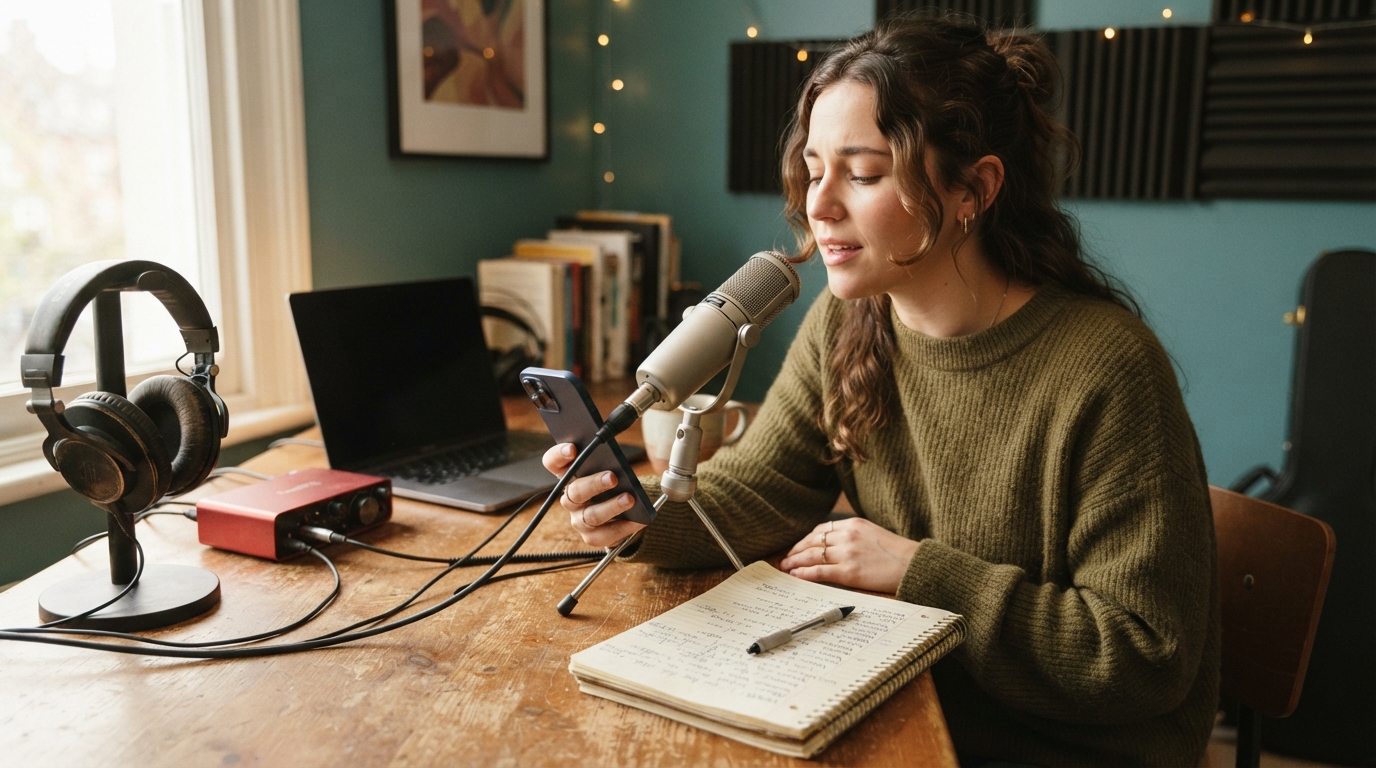
Step-by-step: how to cover a song in Suno
1. Open Create and choose Cover
In the Suno web app, go to Create. Look for the Cover / upload-audio path (labels move around as Suno ships model updates, but the idea is consistent: start from audio, not from a blank Simple prompt). Upload your file and wait until processing finishes before you hammer Create.
2. Write a specific style prompt
Vague prompts produce vague covers. Write like a brief for a session musician:
- Genre + era vibe
- Tempo feel (even if approximate)
- Instrumentation
- Vocal character (or “instrumental, no vocals, no humming”)
- Mood / mix notes (dry, lush, lo-fi, radio polish)
Weak: “make it folk”
Stronger: “acoustic indie folk, ~90 BPM, fingerpicked guitar, soft female vocal, intimate room reverb, no trap drums”
If you want karaoke-style backing for your own later vocal, say so explicitly: instrumental-only language helps more than hoping the model guesses.
3. Balance faithfulness vs reinvention
Cover tools usually expose influence or similar controls that decide how tightly the new take should hug the upload. Higher faithfulness keeps melody and phrasing closer; lower faithfulness lets the style prompt dominate. For a first pass, keep influence moderate, generate, listen, then nudge — do not max every slider on attempt one.
4. Generate, compare both takes, then iterate
Suno typically returns two versions per create. Listen for:
- Melody accuracy on the hook
- Lyric clarity (or intentional instrumental silence)
- Whether the new genre still feels like your song
- Weird artifacts on consonants, transitions, or endings
Keep the better take. Then change one variable: style wording, influence, or a shorter upload clip. Three controlled iterations beat twenty random regenerations.
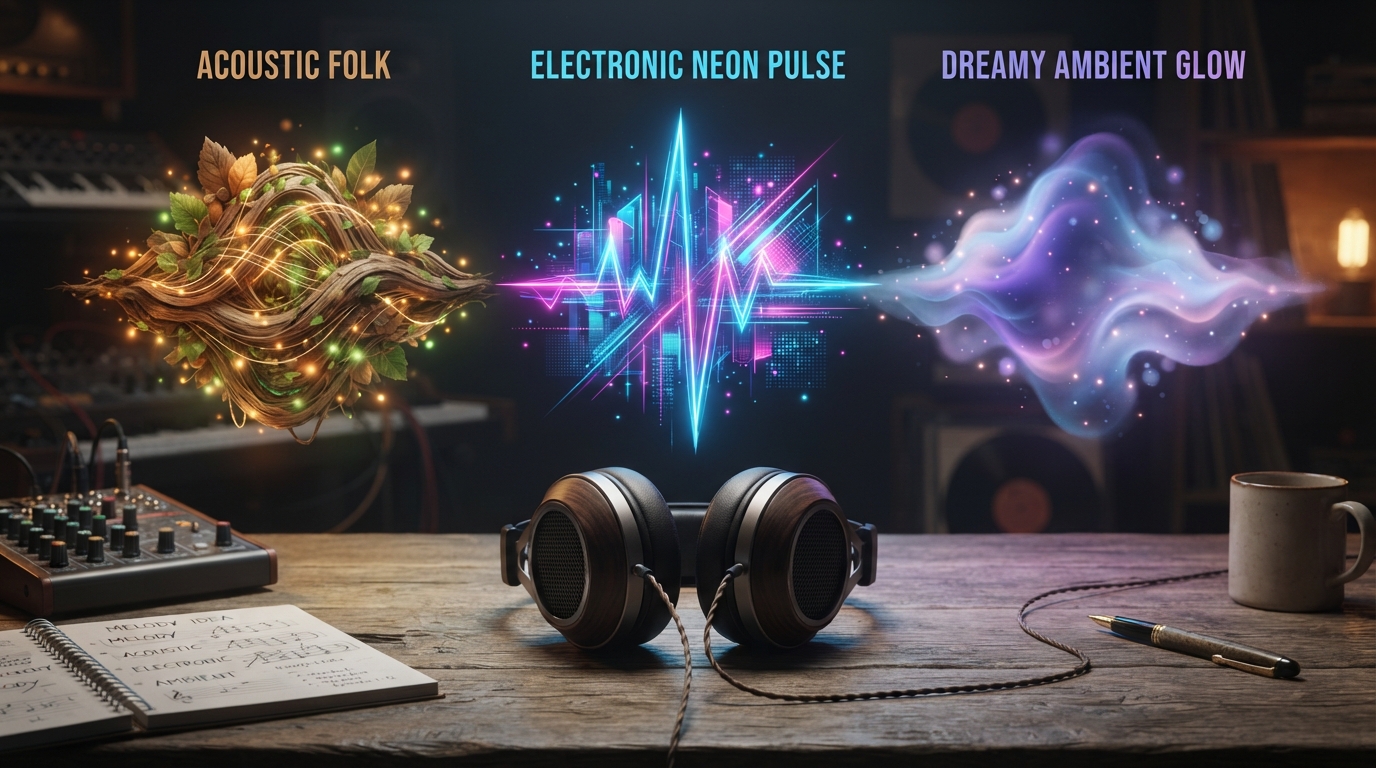
5. Extend, edit, or stem only after you like the core take
Once a cover take feels right, use the rest of the Suno toolkit in order:
- Extend if you need a longer outro or a second chorus
- Replace / add section (paid advanced editing) for a weak bridge without throwing away the whole track
- Extract stems when you want to remix in a DAW or layer your real vocal
- Suno Studio (Premier-oriented workflow) when you are ready for deeper stem and arrangement work
Do not jump into stems on a take you already dislike. Cover first, polish second.
Prompt recipes you can copy
Swap the bracketed bits for your song:
- Sync / trailer: “cinematic orchestral pop, slow build, emotional female vocal, wide stereo strings, soft piano, no EDM drops”
- Short-form hook: “modern pop trap, punchy 808, bright male vocal, radio chorus, loudness-ready mix, keep the hook front and center”
- Lo-fi study: “lo-fi hip hop instrumental, dusty drums, warm Rhodes, vinyl texture, no lead vocal, loop-friendly ending”
- Live-band demo: “live indie rock band, dry drums, overdriven guitar, intimate male vocal, slight crowd ambience, natural dynamics”
Common mistakes (and quick fixes)
- Uploading a messy phone clip with TV noise. Re-record 30 clean seconds of the hook.
- Prompting genre only. Add instruments, vocal sex/timbre, and what to avoid.
- Expecting Cover to grant rights you do not have. Ownership of the upload still matters.
- Publishing a Free-tier download commercially. Use a paid plan download if you need commercial rights, and verify current Terms.
- Covering the full eight-minute file on day one. Start with the hook section, then extend.
After the cover: turn the track into short video
A finished cover is only half of distribution. Faceless channels and Reels usually need a matching visual. Studio Hacks’ simple stack is: finalize the Suno audio, then build a 9:16 or 16:9 clip in OpenArt (Music Video / Director / Character Builder depending on the format). OpenArt is 18+, and commercial use starts at the Plus plan — Starter is for experimenting. Check live prices on OpenArt’s pricing page before you budget a channel.
If you want that visual studio next, open OpenArt with this link. Keep the same character and color grade across clips so the cover series looks like one artist, not random stock.
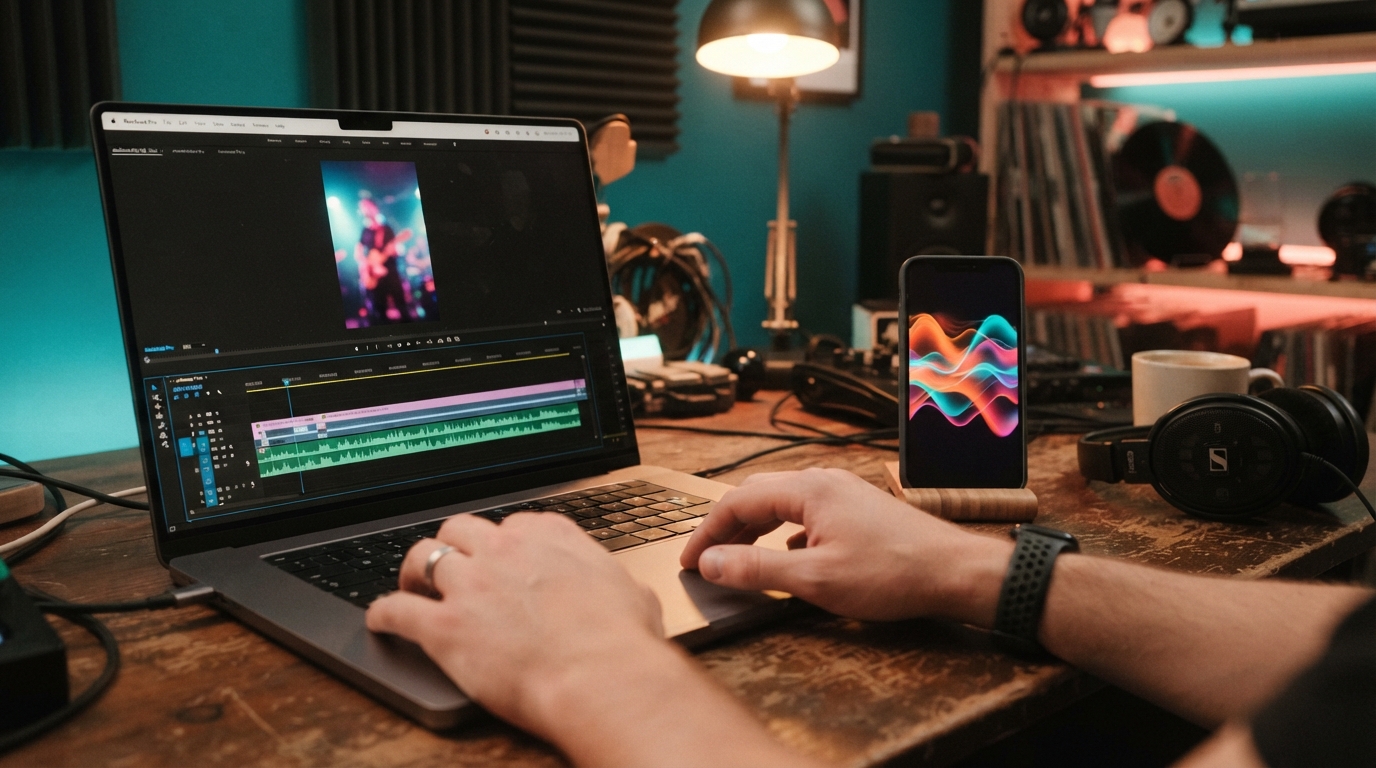
Quick checklist
- Own the demo (or have permission)
- Trim and export a clean upload
- Sign up for Suno if you still need an account
- Create → Cover → upload
- Write a detailed style prompt
- Generate two takes, keep one, change one variable, repeat
- Extend / edit / stems only after the core take works
- Download on the right plan for your use case
- Optional: build the music video in OpenArt and keep character consistency
FAQ
Can I cover a famous song in Suno?
You can experiment with tools, but famous commercial recordings are the wrong source for a publishable cover workflow. Stick to audio you own. Platform filters may also block recognized commercial releases.
Is Cover the same as Remix or Extend?
No. Cover rebuilds from uploaded (or selected) audio into a new style while aiming to keep melody/lyrics. Extend lengthens a take. Remix / edit tools push harder structural changes. Use Cover when style exploration is the goal.
Do I need Pro to try Cover?
You can start on Free to learn the loop, but upload length, models, editing depth, stems, Studio, and commercial downloads are plan-gated. For anything you plan to monetize, budget for Pro, Premier, or Platinum and confirm the current pricing table.
What should I do after I like a cover?
Export the audio, then either mix stems in a DAW or ship a faceless visual with OpenArt for Shorts, Reels, and YouTube. Same song, multiple style covers, one visual identity — that is a content engine, not a one-off experiment.
Ready to run your first cover today? Create your Suno account, upload a demo you own, and generate two style takes before you overthink the mix.




 (2026))