Disclosure: This post contains affiliate links for OpenArt and Suno. If you sign up through them, Studio Hacks may earn a commission at no extra cost to you. OpenArt is for users 18+. Always check each product’s current pricing and licence terms before you publish commercially.
Faceless TikTok ads used to mean stock footage, a voiceover, and a weekend lost to CapCut. In 2026 you can brief an idea in chat, lock a host character, and leave with a vertical ad cut — without putting your face on camera. This guide shows how to make faceless TikTok ads with OpenArt Director: plan the offer, vibe-direct a vertical spot, keep the product and host consistent, add music when it helps, and export for TikTok Ads Manager or organic posts. No screenshot homework. No fake “tool UI” galleries.
If you do not already have an OpenArt account, start here: OpenArt. If the ad needs an original track (or you want a hook bed under a voiceover) and you do not have Suno yet, grab that here: Suno.
What “faceless TikTok ads” means in practice
“Faceless” does not mean “no people.” It means you are not on camera. The spot can still use a consistent AI host, hands-on product shots, screen-free demos, or abstract lifestyle scenes. TikTok still rewards clarity in the first second: who this is for, what problem you solve, and what to do next.
OpenArt Director is built for that kind of short, coherent production. You describe the vibe in natural language, refine characters and scenes by chatting (OpenArt calls this vibe directing), and iterate scene by scene instead of stitching random five-second clips. Director can produce multi-scene videos up to about five minutes — more than enough for a 15–60 second ad, plus longer explainers if you need them.
What you need before you open Director
- One offer, one audience. Write a single sentence: “For [audience] who struggle with [problem], this ad shows [outcome] and asks them to [CTA].”
- Proof assets. Product stills, packaging photos, logo, or a short screen recording you own. Director can keep a product looking the same across shots when you feed clear references.
- A host character (optional but powerful). If you want a talking-head feel without filming yourself, create or reuse a character in OpenArt’s character tools first, then tag that character in Director.
- Audio plan. Either upload a track, use Director’s audio tools, or generate an original bed in Suno and upload it. TikTok ads often work better with a clear voice hook plus light music than with lyrics fighting the CTA.
Plan note (not a promise of earnings): treat the first draft as a creative test. Ship a few variants, keep the winners, kill the rest. The workflow below is built for that iteration loop.
Step 1: Write a 3-beat vertical script
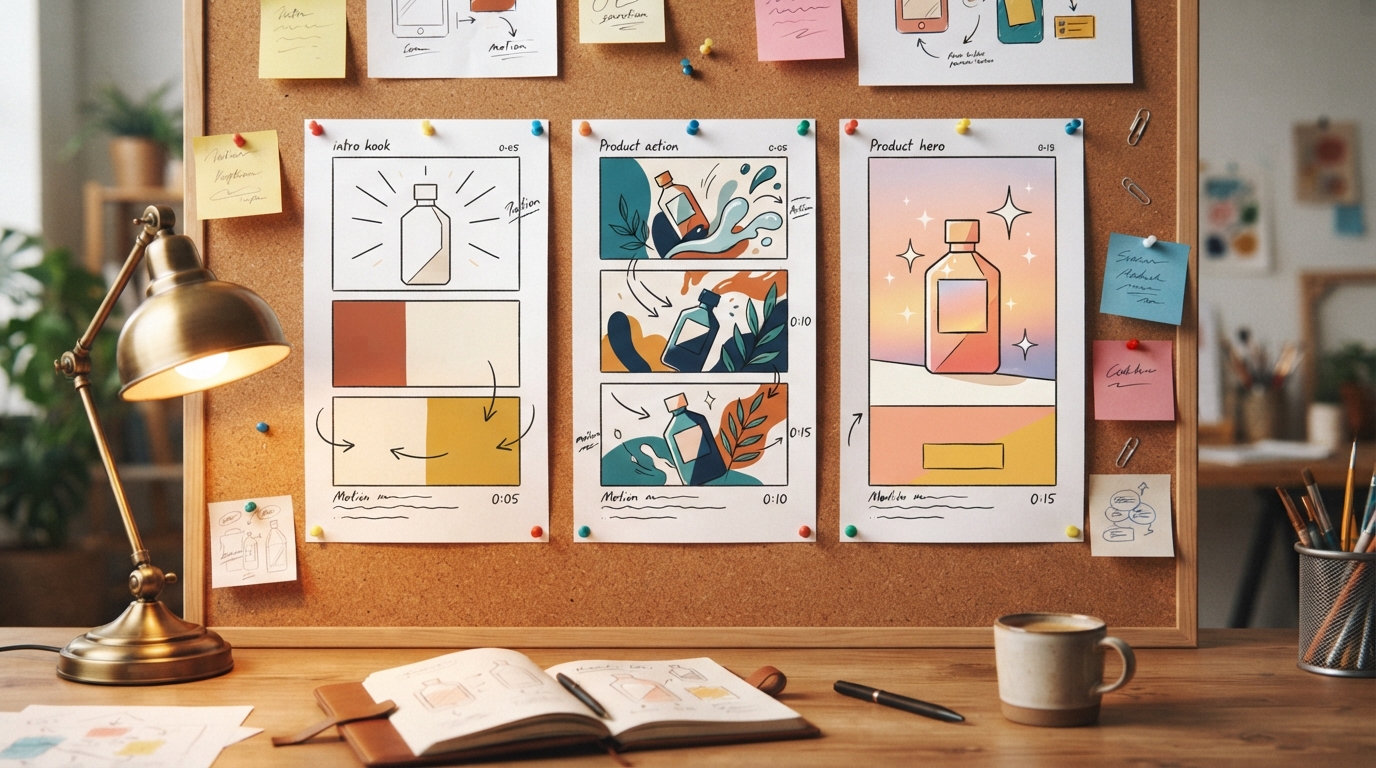
Keep the spoken (or on-screen) script short enough to say in one breath per beat:
- Hook (0–3s): Name the pain or the desire. Example: “Still filming ads on your phone every week?”
- Proof (3–12s): Show the product or outcome in use. One concrete demo beats five buzzwords.
- CTA (last 3–5s): One action. “Comment VIDEO,” “Tap Learn more,” or “Start free trial” — pick one.
Paste that outline into Director’s prompt box as your starting brief. Add aspect ratio guidance up front: vertical 9:16, TikTok ad, 20–30 seconds, clean lighting, no watermarks, no tiny unreadable text burned into the frame (you’ll add captions in TikTok or CapCut if needed).
Step 2: Lock the host and the product
Consistency is what separates a faceless brand from a random AI clip dump. Before you generate the full ad:
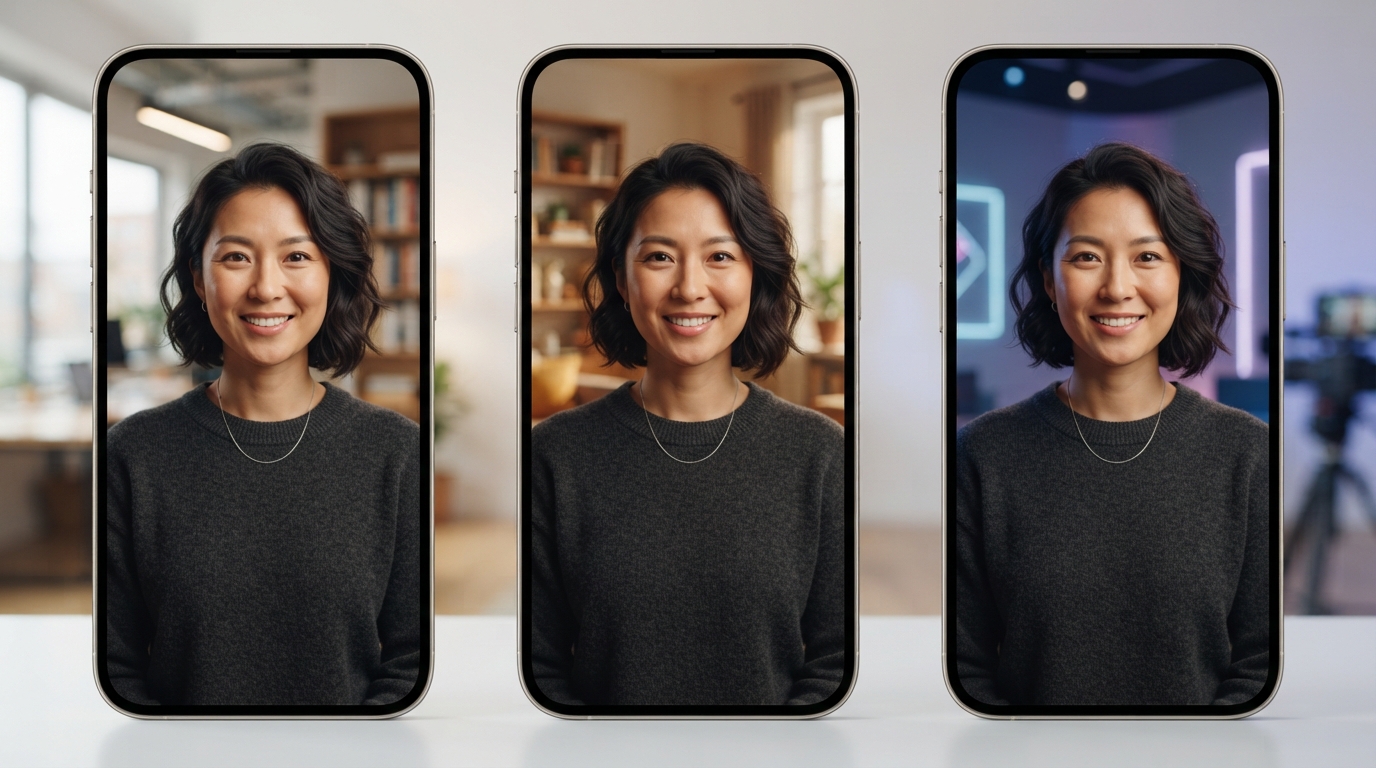
- Create or select a saved character (same face, hair, wardrobe) for the host.
- Upload clear product photos — front, three-quarter, and in-hand if you have them.
- Tell Director, in chat, to keep that character and product identical across every scene.
If you already built a character for Reels, reuse it. Same host across organic Reels and paid TikTok ads makes the brand feel intentional — even when you never appear on camera.
Step 3: Vibe-direct the first cut in OpenArt Director
Open OpenArt, start Director, and treat Ori (the built-in directing assistant) like a junior producer:
- Paste your 3-beat brief and attach character/product references.
- Confirm vertical format and length. Prefer a single coherent cut over three unrelated clips.
- Review the storyboard or scenes tab. Fix one thing at a time in chat: “Make the hook a closer shot,” “Show the product in the host’s hands,” “Slow the CTA ending.”
- Export when the beat structure is clear — not when every pixel is perfect. Ads improve from testing, not from infinite regenerating.
Director is different from one-shot text-to-video tools: you refine by conversation, keep faces and products steadier across scenes, and leave with a finished multi-shot piece instead of a folder of orphans.
Step 4: Add music the right way (optional Suno bed)
Many TikTok ads work best with a spoken hook and a soft instrumental under it. If you need an original bed:
- In Suno, generate a short instrumental in the mood of the offer (upbeat productivity, calm wellness, punchy tech).
- Keep vocals out of the bed so they do not fight your voiceover or captions.
- Upload the track into Director (or mix after export) and ask for cuts that hit the energy of the chorus or drop without drowning the CTA.
Rights matter. OpenArt’s paid tiers list commercial-use rights on the pricing page (Starter through Wonder; live prices change, so check current numbers before you budget). Suno’s Free vs Pro/Premier commercial rules differ — confirm on Suno’s pricing and terms before you run paid traffic with a track. Starter-level OpenArt is for experimenting; for commercial publishing, move to a plan that explicitly includes commercial use (Plus and above are the practical starting point for most creators who publish for business). OpenArt requires users to be 18+.
Step 5: Export, caption, and ship variants
Export vertical MP4 from Director, then:
- Add burned-in or platform captions (safe zone: keep key text away from TikTok UI edges).
- Create 2–3 variants: different hooks, same body; or same hook, different CTA line.
- Upload to TikTok Ads Manager for paid tests, or post organically first to feel comments and saves.
- Reuse the same host character for the next week’s organic Reels so paid and organic look like one brand.
A simple weekly batch (without burning credits)
OpenArt pricing (as of this draft’s live check) lists Starter, Plus, Pro, and Wonder seats with monthly credit pools and parallel generation limits. Director access appears on those paid tiers; exact credit burn depends on length and quality settings (OpenArt has also advertised cheaper Lite quality options for Director). Practical batching tip:
- Monday: lock character + product pack once.
- Tue–Thu: generate one new 3-beat ad per offer or angle.
- Friday: pick winners, clone the best hook with a new CTA, archive the rest.
Do not regenerate the whole ad because one line feels soft. Chat-edit that scene. That is the whole point of vibe directing.
Common mistakes that waste spend
- Five CTAs in one ad. Pick one action.
- New face every day. Inconsistent hosts train the feed that you are random, not a brand.
- Tiny burned-in URLs. Put the click in the ad destination or bio flow — not a blurry URL in frame.
- Ignoring licence lines. Re-check OpenArt and Suno commercial terms before you scale paid.
- Copying YouTube pacing. TikTok ads need the hook in the first second, not a 10-second intro.
FAQ
Can I run these ads without showing my face?
Yes. Use a locked AI host, product-led shots, or abstract demos. Faceless here means you stay off camera, not that the ad has no people.
Is OpenArt Director better than stitching text-to-video clips?
For multi-scene ads that need the same host and product across shots, Director’s chat-based directing is usually faster than generating orphan clips and fixing them in an editor. For a single 3-second stinger, a plain text-to-video tool may be enough.
Do I need Suno for every TikTok ad?
No. Use Suno when you want an original instrumental bed or a music-led creative. Many performance ads work fine with voiceover plus a simple bed.
What plan do I need for commercial ads?
Check OpenArt’s live pricing page before you buy. As a rule of thumb from Studio Hacks’ workflow: treat Starter as experiment-only, and use a paid tier with commercial-use rights (Plus and up for most publishing) before you run paid traffic. Confirm Suno’s Free vs paid commercial rights separately if your track is part of the ad.
Start your first faceless TikTok ad today
Write the 3-beat script, lock one host and one product pack, then vibe-direct a vertical cut in OpenArt Director. Export two hook variants, caption them, and test. If you still need accounts, open OpenArt for the video workflow and Suno for an original music bed when the creative needs it.


)